
Complete WordPress Development Guide 2026: From Setup to Optimization

Do you know, WordPress development guide 2026 is still the undefeated champion if you’re planning to build or scale a website in 2026.
Not because it’s “easy,” but because it gives you full ownership, limitless control, and the ability to optimize every single element for conversions.
As someone who has spent years building high-performing websites for coaches, freelancers, and international brands…I’ve learned one truth:
“A website doesn’t need to be fancy. It needs to convert.”
Uncle Mubashir
This guide will walk you through everything — setup, speed, design, security, SEO, mobile optimization, and 2026 trends that actually matter. So, what are you waiting for?
Let’s build a WordPress site that converts visitors into buyers.
1: WordPress Setup That Matters in 2026
1. Choose Hosting That Doesn’t Slow You Down
Speed is ranking factor #1 in 2026. Avoid cheap shared hosting.
Recommended:
- Hostinger (Our pick)
Why it matters: Load times under 1.5 seconds improve conversions by 32–48%. You can install WordPress within your hosting dashboard (1-clist install).
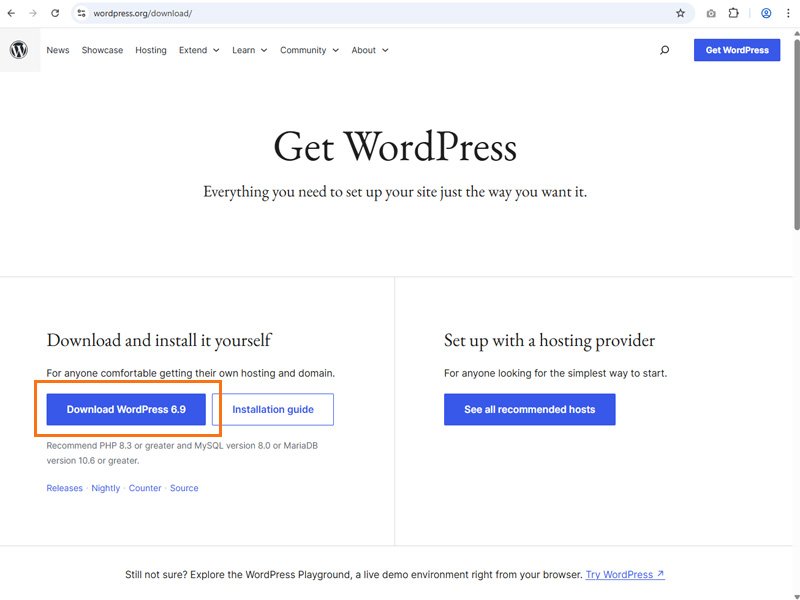
Or download WordPress for free here. After installing, when you refresh you domain URL, bravo! You did it.
2. WordPress Essentials to Install First
Install only those plugins what improves speed, security, and conversions:
Must-have plugins:
- RankMath (SEO)
- WP Rocket (Speed)
- Imagify / ShortPixel (Compression)
- Wordfence (Security)
- A page builder: Elementor Pro (Your specialty!)
2: Build the Foundation — Structure That Google Loves
Your 2026 Website Structure Must Include:
- Homepage → positioned for conversions
- Service pages → target service keywords
- Portfolio/Case studies → builds trust
- Blog hub → your SEO engine
- Funnel landing pages → for coaching/consulting
Each page should have a goal, not just design or click baits shortcuts.
BONUS: Here is a complete tutorial video playlist to learn WordPress from beginning and installation by creating localhost for practicing. Thank me later…
3: Elementor Design for Conversions
Here’s your advantage — most developers design pretty websites.
Design converting WordPress development guide 2026
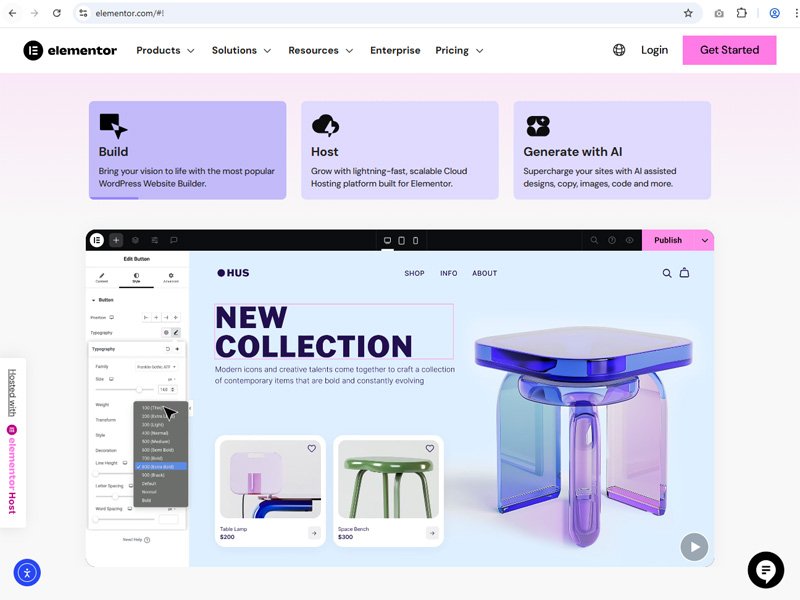
Follow this 2026 Elementor structure:
✔ Above-the-fold:
- Clear headline
- Supporting subheadline
- CTA button
- No sliders (lower conversions)
✔ Social proof placement:
- Testimonials under first fold
- Client logos
- Before/after results
✔ Design rules for 2026:
- Big fonts (16–18px body, 42–58px titles)
- Soft animations
- Modern spacing
- No clutter
- Clear CTA repeated 3 times
4: WordPress Development Guide 2026 (Speed)
Speed is SERIOUS in 2026.
Google ranks fast websites 2–3 positions higher on average.
Checklist:
- Compress all images
- Use next-gen WebP formats
- Preload important fonts
- Use a CDN (e.g. Cloudflare)
- Minimize JS and CSS
- Lazy-load videos
Achieve:
✔ 90+ speed score on mobile
✔ 95+ speed score on desktop
5: WordPress SEO Checklist (2026 Update)
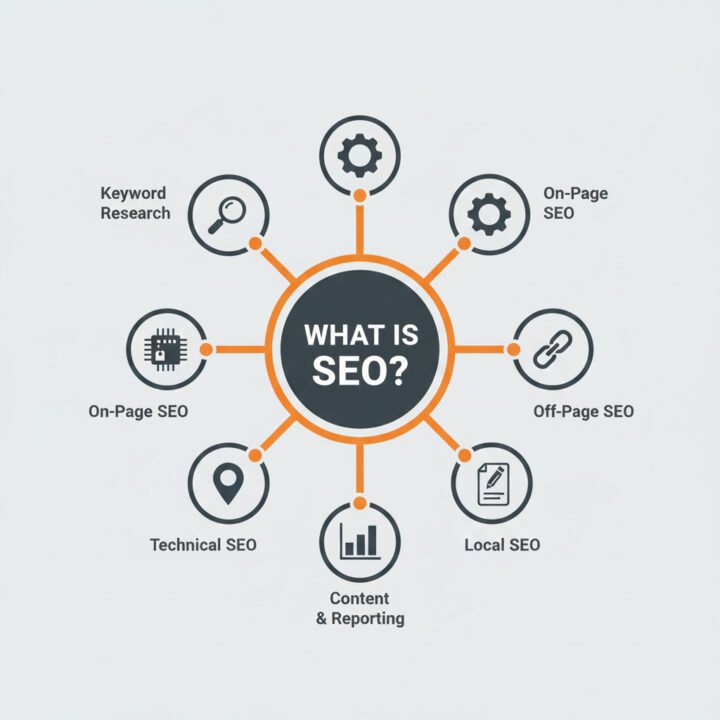
New 2026 SEO Priorities:
- Helpful content (user-first)
- AI-assisted search snippets
- Topic clusters
- EEAT (experience, expertise, authority, trust)
On-page SEO formula:
- Main keyword in H1
- Secondary keyword in H2
- Include semantic keywords
- Add FAQs manually written
- Internal links to clusters
6: Security Upgrades for 2026
Security is ranking factor. Google hates compromised sites.
Do this:
- 2FA login
- Limit login attempts
- Auto backups
- Firewall plugin
- Update theme + plugins weekly
7: Conclusion on WordPress development guide 2026
Your WordPress website is not just a website — it’s your digital salesperson.
If you build it right today, it will convert for years.
Need help designing your WordPress website or optimizing it for conversions?
👉 Contact Me a message with “WP2026” and I’ll send you a free audit.