
Best WordPress Speed Plugins for Website Optimization In 2026

Repost On:
Speed isn’t optional in 2026 — it’s a ranking factor, a trust factor, and a conversion factor. A fast website converts 2× better than a slow one. You must know those Best WordPress Speed Plugins for 2026.

Here are the Best WordPress Speed Plugins for this year.
- 1. WP Rocket — The Most Beginner-Friendly All-in-One Plugin
- 2. LiteSpeed Cache — Best Free Option (If Your Host Supports It)
- 3. FlyingPress — Modern, Lightweight, and Made for Core Web Vitals
- 4. Perfmatters — The Best Plugin for Removing Bloat
- 5. Imagify — Smart Image Compression for Faster Load Times
- 6. Cloudflare APO — Global Speed Boost from the Edge
- Comparison: Best WordPress Speed Plugins For 2026
1. WP Rocket — The Most Beginner-Friendly All-in-One Plugin
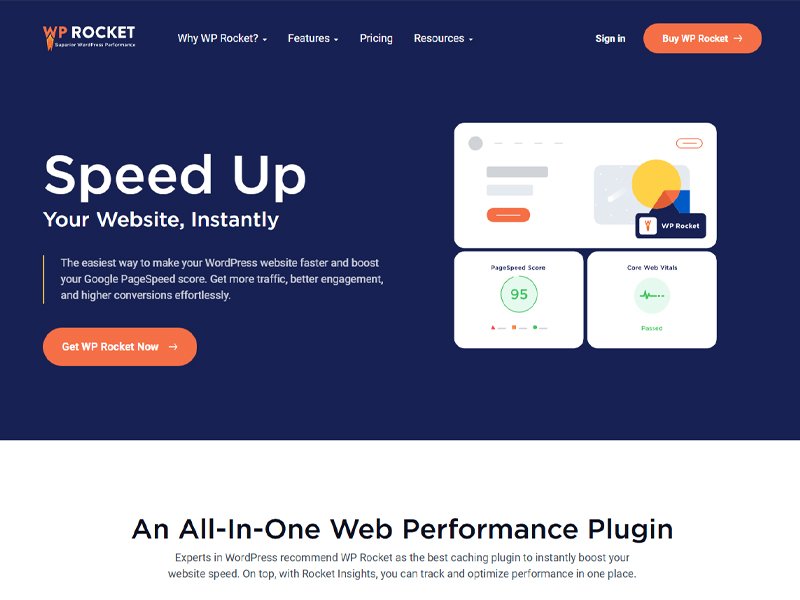
WP Rocket remains one of the most trusted speed plugins in 2026. It is used on 4M+ websites and is known for improving load times by 20–60% right after activation.
Why It Stands Out
- Automatic caching and file optimization
- Instant setup — no technical skills needed
- Database cleanup, lazy loading, and preload tools
- Works smoothly with Cloudflare and popular CDN services
Pros
- Extremely easy to set up — great for beginners
- All-in-one optimization (cache, minify, preload, lazy load)
- Reliable support and frequent updates
- Works well with Cloudflare, CDNs, and page builders
Cons
- No free version
- Fewer “advanced controls” compared to FlyingPress or Perfmatters
- Some features overlap with other plugins, which may cause redundancy
If you want a simple, premium, no-stress setup, WP Rocket is still one of the best choices for 2026.
2. LiteSpeed Cache — Best Free Option (If Your Host Supports It)
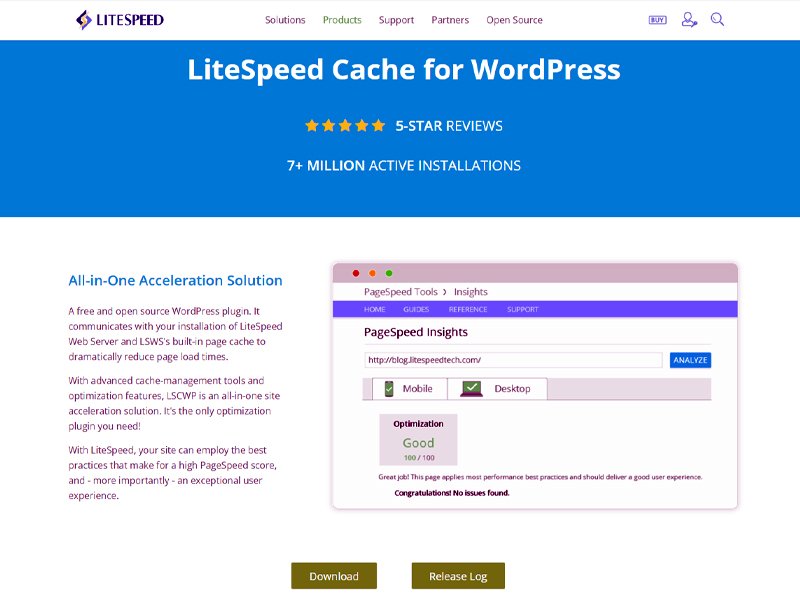
LiteSpeed Cache is completely free and extremely powerful, but it works best only on LiteSpeed or OpenLiteSpeed servers.
Key Advantages
- Server-level caching for ultra-low TTFB
- Image optimization and critical CSS included
- Full QUIC.cloud CDN integration
- No premium upgrade required
Pros
- 100% free and extremely powerful
- Server-level caching improves TTFB significantly
- Built-in image optimization and critical CSS
- Perfect for LiteSpeed hosting
Cons
- Works best only on LiteSpeed or OpenLiteSpeed servers
- Interface can feel overwhelming for beginners
- QUIC.cloud full features may require paid credits
For users on LiteSpeed hosting, this plugin delivers performance similar to paid tools — at zero cost.
3. FlyingPress — Modern, Lightweight, and Made for Core Web Vitals
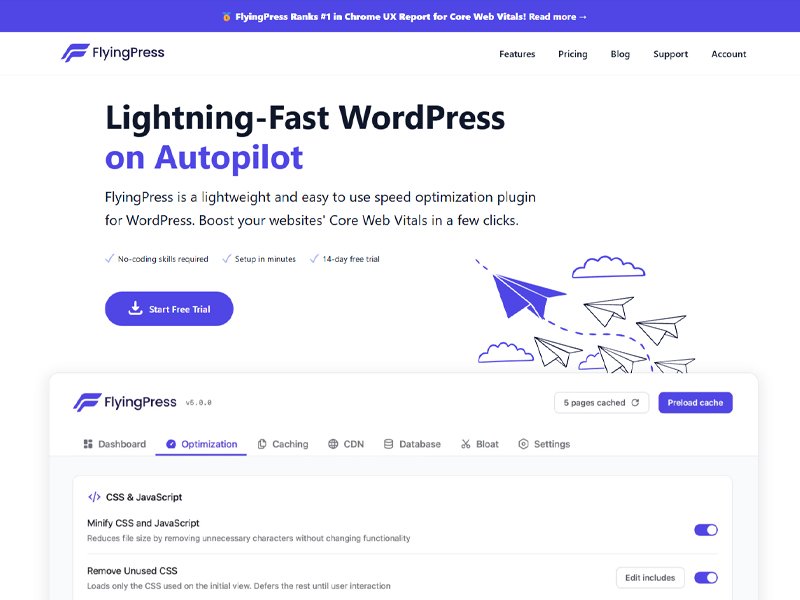
FlyingPress continues to be a top pick in 2026 because of its clean code and focus on real performance. Many speed tests show FlyingPress outperforming traditional caching plugins in Largest Contentful Paint (LCP) metrics.
What You’ll Love
- Fast rendering and critical CSS generation
- Smooth integration with CDNs like BunnyCDN
- Easy setup with performance-first defaults
- Excellent for blogs, eCommerce, and high-traffic sites
Pros
- Exceptional Core Web Vitals performance
- Clean code with minimal conflicts
- CDN-friendly (especially BunnyCDN)
- Great for global and mobile-heavy websites
Cons
- No free version
- Fewer “extra tools” compared to WP Rocket
- Some features may require manual fine-tuning
If your audience is global or mobile-first, FlyingPress can give your site a noticeable performance edge.
4. Perfmatters — The Best Plugin for Removing Bloat
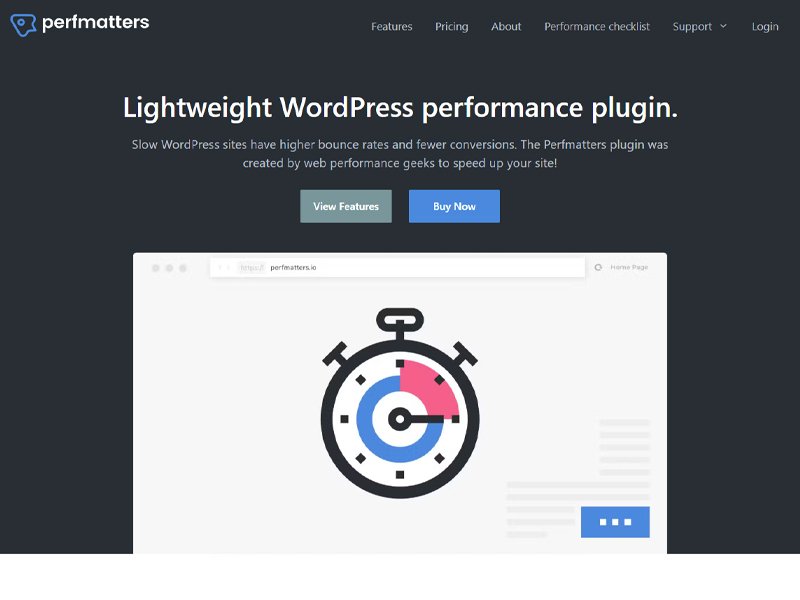
Perfmatters does not replace caching plugins — it supports them. It works by removing unnecessary scripts, features, and requests that slow down your site.
Why It Matters
- Script Manager lets you disable scripts on specific pages
- Removes emojis, embeds, XML-RPC, and unused features
- Cuts down server requests and improves Core Web Vitals
- Works perfectly with WP Rocket, FlyingPress, or LiteSpeed Cache
Pros
- Script Manager gives precise control over every script
- Reduces bloat and unnecessary requests
- Lightweight and extremely stable
- Works with any caching plugin
Cons
- Not a caching plugin — must be paired with one
- Can confuse beginners who don’t understand script-level control
- Requires some testing after toggling options
For any site that wants a “clean” performance setup in 2026, Perfmatters is a must-have plugin.
5. Imagify — Smart Image Compression for Faster Load Times
Images are still one of the biggest reasons websites load slowly. Imagify solves that by compressing images and converting them to modern formats like WebP and AVIF.
Benefits for 2026
- Shrinks images without visible quality loss
- Bulk optimization for your entire media library
- Automatic conversion to WebP/AVIF
- Improves PageSpeed Insights scores instantly

Pros
- Converts images to WebP/AVIF automatically
- Bulk optimization saves tons of time
- Great for image-heavy blogs
- Smart, clean compression with no quality loss
Cons
- Free plan is limited
- Handles only image optimization — no caching or script tools
- Large sites may need higher monthly quota
It’s one of the easiest ways to fix “Serve images in next-gen formats” and similar Core Web Vitals warnings.
6. Cloudflare APO — Global Speed Boost from the Edge
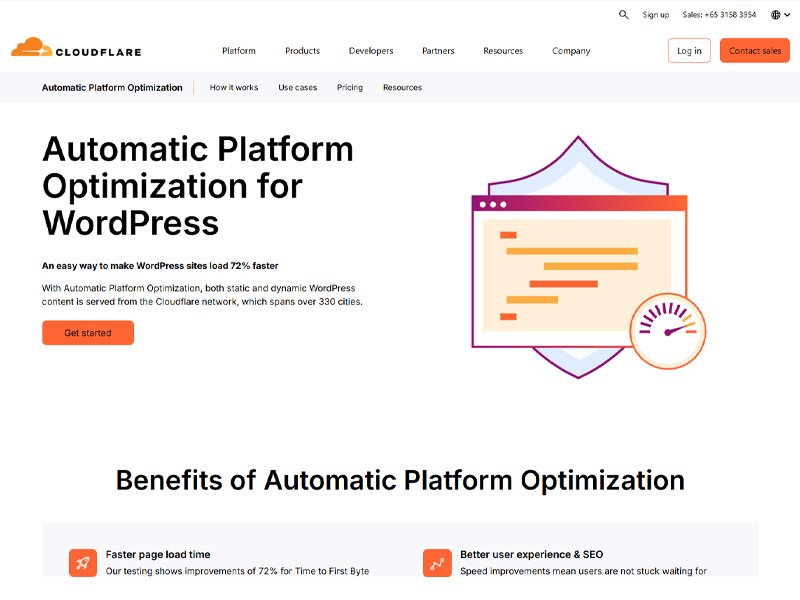
Cloudflare’s APO (Automatic Platform Optimization) is one of the most effective ways to deliver lightning-fast performance worldwide.
What Makes It Powerful
- Caches your entire WordPress site at Cloudflare’s edge
- Reduces latency for international users
- Works with free CDN and free SSL
- Auto-purges content when you update your site
Pros
- Edge caching boosts worldwide performance
- Works with free Cloudflare features like DNS + SSL
- Auto-purge keeps your site always updated
- Drastically improves load times for global audiences
Cons
- Works best when paired with a caching plugin
- Requires Cloudflare integration setup
- Some advanced users may need custom page rules
For websites with traffic from multiple countries, APO can cut load times by 70–300% depending on the region.
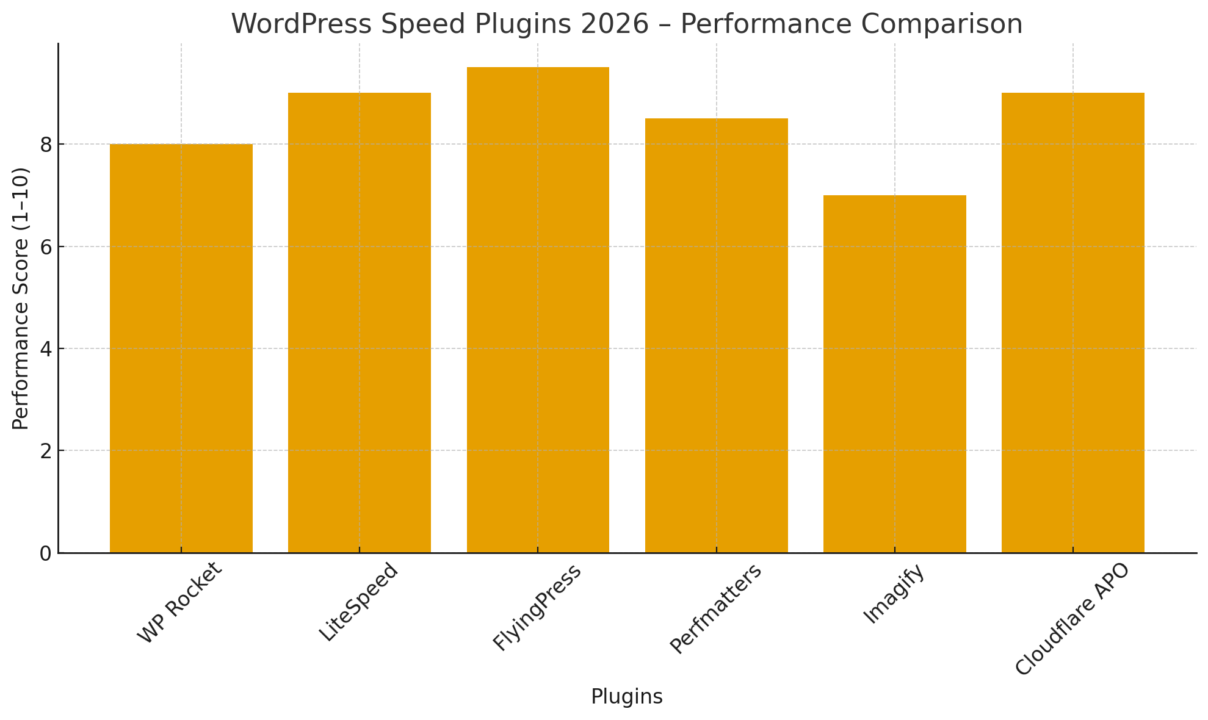
Comparison: Best WordPress Speed Plugins For 2026
Conclusion About Best WordPress Speed Plugins In 2026
Again remember, a fast website converts 2× better than a slow one. To know about WordPress, you can visit this Complete Guide. What’s your best pick?
If you need more details, Comment “Speed” for my free checklist.
